
.png)
Description
Download Bejeweled 2 – Free Classic Puzzle Game for Windows, Mac, Android & iOS
Overview
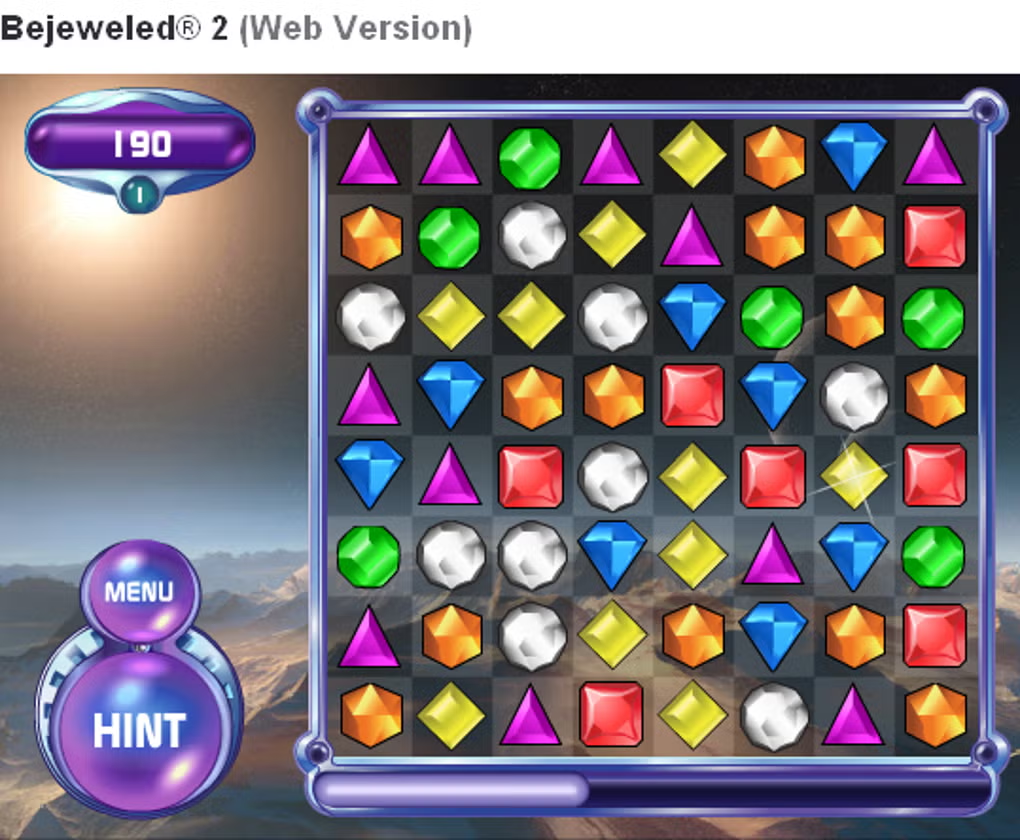
Bejeweled 2 brings the timeless charm of the original Bejeweled puzzle series straight to your browser, offering a quick‑play, free, and instantly accessible gaming experience. The core mechanic is delightfully simple: swap adjacent jewels to line up three or more of the same colour, causing them to vanish and earn points. Two distinct game modes keep the experience fresh. Classic mode lets you play at a relaxed pace, focusing on strategy and high scores, while Action mode adds a pulse‑racing timer that challenges you to clear a set number of jewels before the clock runs out. No registration, no download hurdles – just click “Play” and you’re ready to start matching.
Visually, Bejeweled 2 uses a vibrant, multi‑coloured jewel palette that instantly draws the eye, though some users note the background art can feel a bit dated compared to modern mobile titles. Sound effects are optional and can be toggled on or off, which is handy for playing in quieter environments. The game is ad‑supported, meaning a short commercial will appear before each new level. While the ads are not overly intrusive, they can interrupt the flow for players seeking an uninterrupted puzzle session.
Overall, Bejeweled 2 delivers a nostalgic yet still engaging puzzle experience that’s perfect for short breaks, commuting, or anyone looking for a free, browser‑based brain teaser. Its low‑learning‑curve design, combined with two play styles, makes it a solid choice for both newcomers and seasoned match‑3 fans.
Features & Gameplay Mechanics
- Two game modes – Classic (relaxed) and Action (timed challenge)
- Intuitive drag‑and‑swap jewel matching on a 8×8 grid
- Free to play directly in any modern browser (no download required)
- Optional sound effects and background music
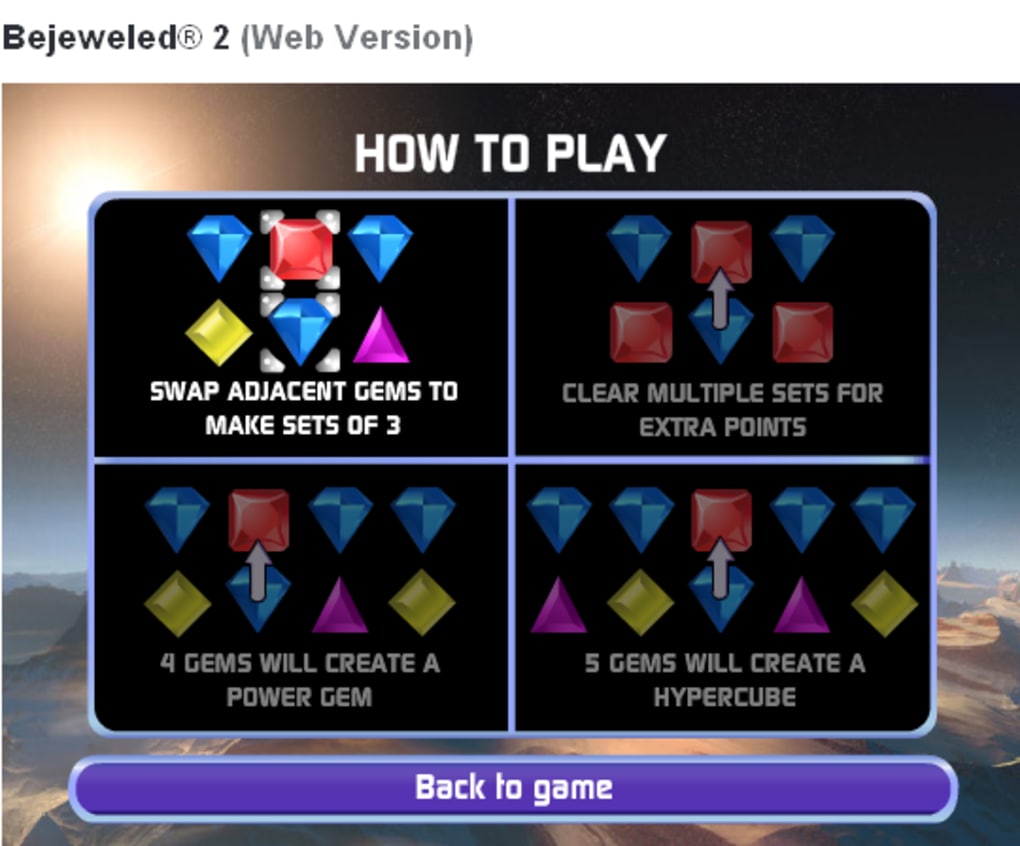
- Simple help overlay for beginners
- Ad‑supported model with a brief commercial before each new level
- Responsive design works on desktop and mobile browsers
- High‑score tracking for competitive play
Deep Dive into Game Modes
In Classic mode, the player can take time to plan moves, aiming for combos and chain reactions that boost scores. The lack of a timer encourages experimentation with special jewel formations, such as four‑in‑a‑row or “T” shapes that trigger larger clear‑outs. This mode is ideal for players who enjoy the strategic side of match‑3 puzzles.
Action mode adds a layer of urgency. A visible countdown challenges you to clear a predefined number of jewels before time expires. This creates a fast‑paced environment where quick pattern recognition becomes crucial. The timer resets slightly with each successful clear, rewarding efficient play and keeping the adrenaline high.
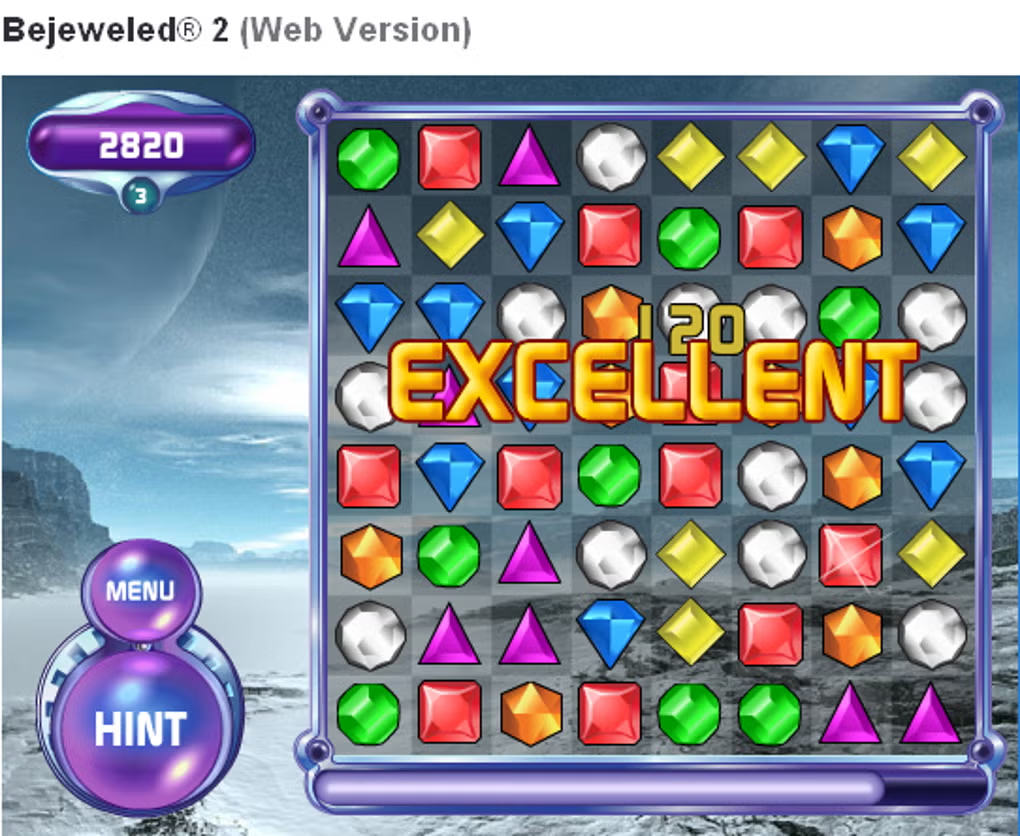
Both modes share a common scoring system that rewards longer combos and the elimination of multiple jewel types in a single move. The visual feedback—sparkles, flashing jewels, and score pop‑ups—adds a satisfying sense of achievement each time a combo is executed.
Installation, Usage & Compatibility
Getting Started – No Installation Required
Because Bejeweled 2 is a web‑based application, the “installation” process is reduced to opening your preferred browser and navigating to the game’s URL. The site detects your browser capabilities automatically, ensuring the HTML5 canvas and JavaScript components load correctly. For the best experience, use a modern browser such as Chrome, Firefox, Edge, or Safari, and ensure JavaScript is enabled.
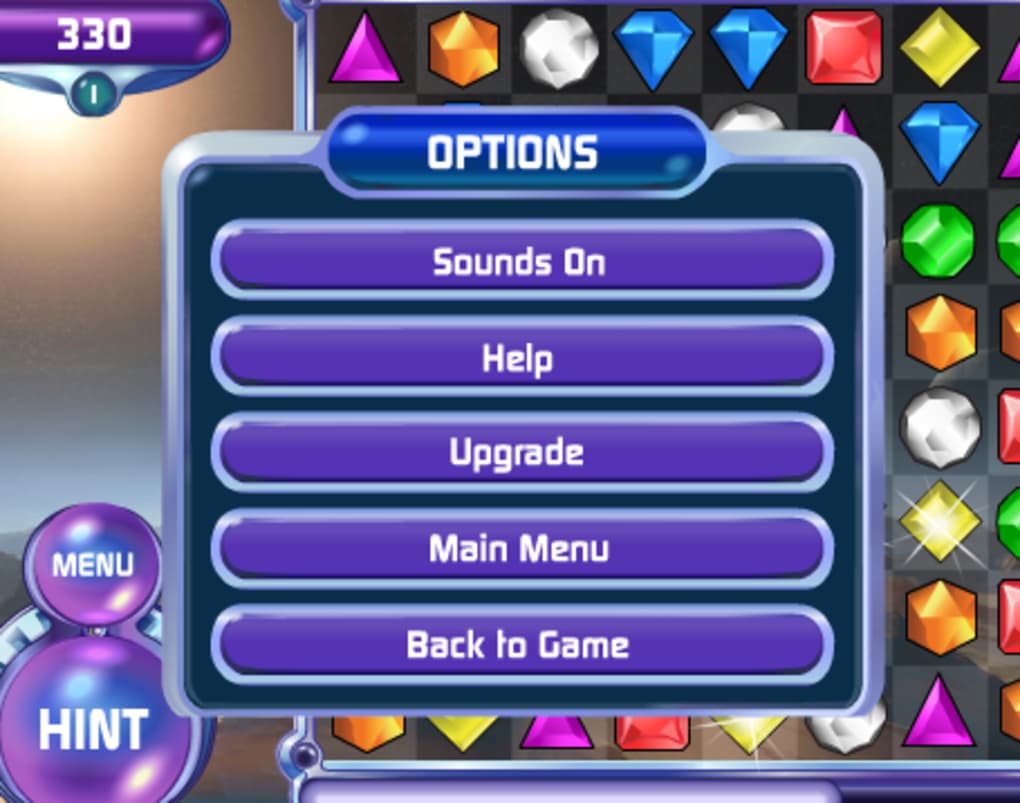
Once on the page, you’ll see two prominent buttons for the available game modes. Clicking “Classic” or “Action” launches the respective mode instantly. If you wish to adjust sound, a small speaker icon appears in the top‑right corner; clicking it toggles audio on or off. The “Help” button provides a quick tutorial overlay that outlines basic controls and scoring rules.
Device Compatibility (itemprop="operatingSystem")
Bejeweled 2 runs smoothly on all major operating systems:
- Windows – any version that supports a modern browser (Windows 7 and newer)
- macOS – Safari, Chrome, or Firefox on macOS 10.12+
- Linux – browsers such as Chrome, Firefox, or Opera
- Android – mobile browsers with HTML5 support (Chrome, Firefox)
- iOS – Safari or Chrome on iPhone/iPad (iOS 11+)
The responsive layout adapts to different screen sizes, so you can enjoy the game on a desktop monitor, laptop, tablet, or smartphone without any loss of functionality. Touch controls work as expected on mobile devices: tap a jewel to select it, then swipe to an adjacent jewel to swap.
Updating & Maintenance
Since the game lives on a remote server, updates are applied automatically by the developer. Players never need to download patches or reinstall the app; refreshing the browser page loads the latest version. This “always‑up‑to‑date” model eliminates the hassle of manual updates, ensuring a seamless gaming experience.
Pros, Cons, FAQ & Conclusion
Pros
- Free and instantly playable in any modern browser.
- Two distinct game modes cater to both casual and competitive players.
- Simple, intuitive controls require no learning curve.
- Responsive design works across Windows, macOS, Linux, Android, and iOS.
- High‑score tracking adds replay value.
Cons
- Ads appear before each level, which can interrupt gameplay.
- Background graphics are dated and may feel unattractive to some users.
- Lack of advanced power‑ups or customization options compared to modern mobile puzzle games.
Frequently Asked Questions (FAQ)
Is Bejeweled 2 completely free to play?
Yes, the game is free. It is supported by short ads that play before each new level, but there are no hidden fees or in‑app purchases.
Do I need to register an account to save my progress?
No registration is required. Scores are stored locally in your browser session, and high scores are displayed on the same device.
Can I play Bejeweled 2 on a mobile phone?
Absolutely. The game is built with responsive HTML5, so it works on Android and iOS browsers. Touch controls replace mouse clicks.
What happens if I disable JavaScript in my browser?
The game relies on JavaScript for all interactive features. Disabling it will prevent the game from loading, so ensure JavaScript is enabled for full functionality.
Is there an option to remove ads?
Currently the only way to avoid ads is to use an ad‑blocking extension, though this may affect the site’s revenue. The developer has not announced a paid ad‑free version.
Conclusion & Call to Action
Bejeweled 2 remains a solid choice for anyone craving a quick, free puzzle fix without the overhead of downloads or accounts. Its dual‑mode design satisfies both laid‑back players looking for a casual match‑3 experience and speed‑hunters who thrive under a ticking clock. While the ad interruptions and dated visuals may deter some, the core gameplay is timeless and endlessly replayable. If you enjoy classic puzzle mechanics and want a hassle‑free way to unwind on any device, give Bejeweled 2 a try today. Simply click the “Play” button on the official site, choose your preferred mode, and start matching those glittering gems!
Guides & Tutorials for Bejeweled 2
How to install Bejeweled 2
- Click the Preview / Download button above.
- Once redirected, accept the terms and click Install.
- Wait for the Bejeweled 2 download to finish on your device.
How to use Bejeweled 2
This software is primarily used for its core features described above. Open the app after installation to explore its capabilities.
User Reviews for Bejeweled 2 0
No reviews found




